 CeilingFanRemote.com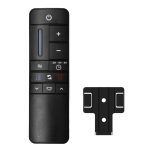
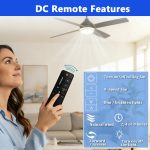
📌 DC Ceiling Fan Remote Control Guide
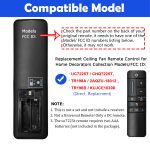
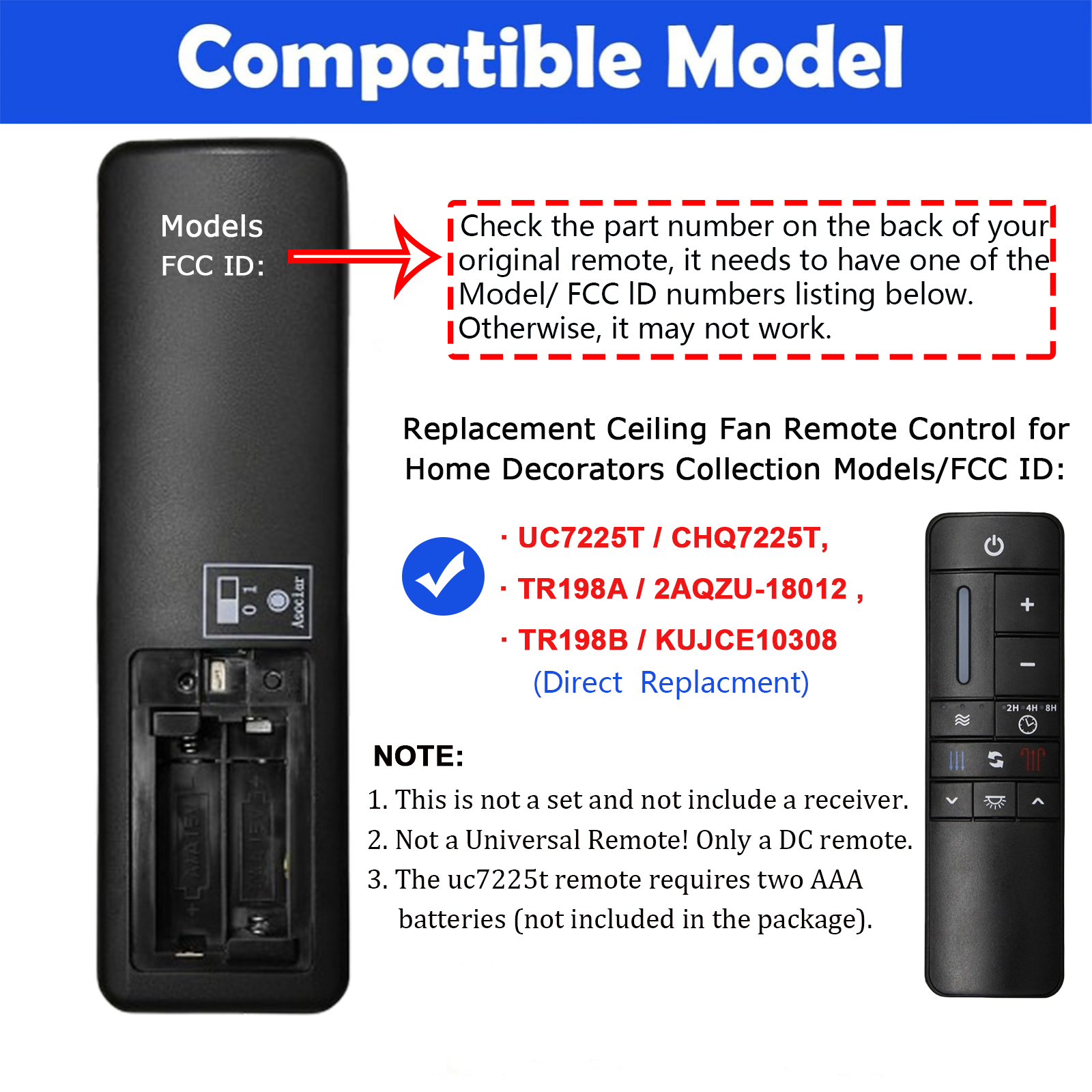
Compatible: UC7225T / TR198A / 2AQZU-18012 / KUJCE10308
For Home Decorators Collection Kensgrove & Altura DC Ceiling Fans
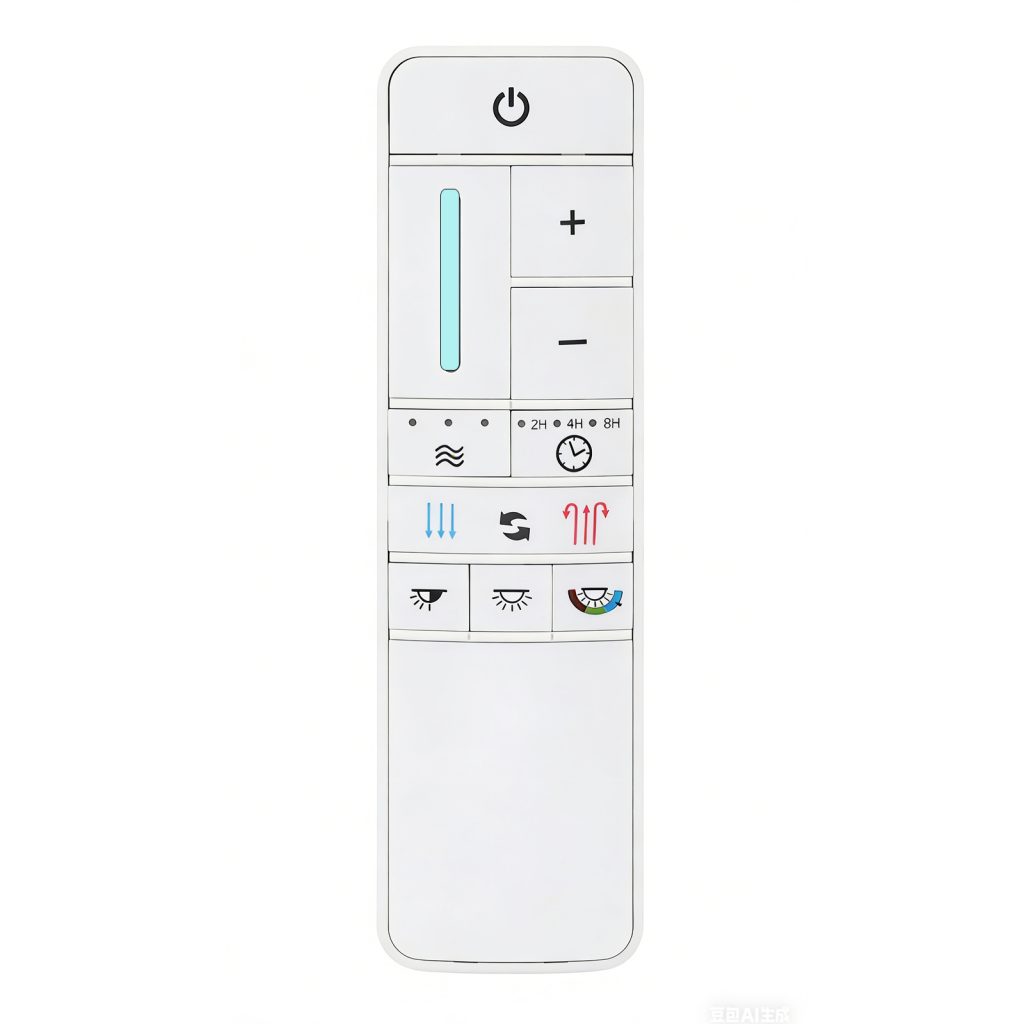
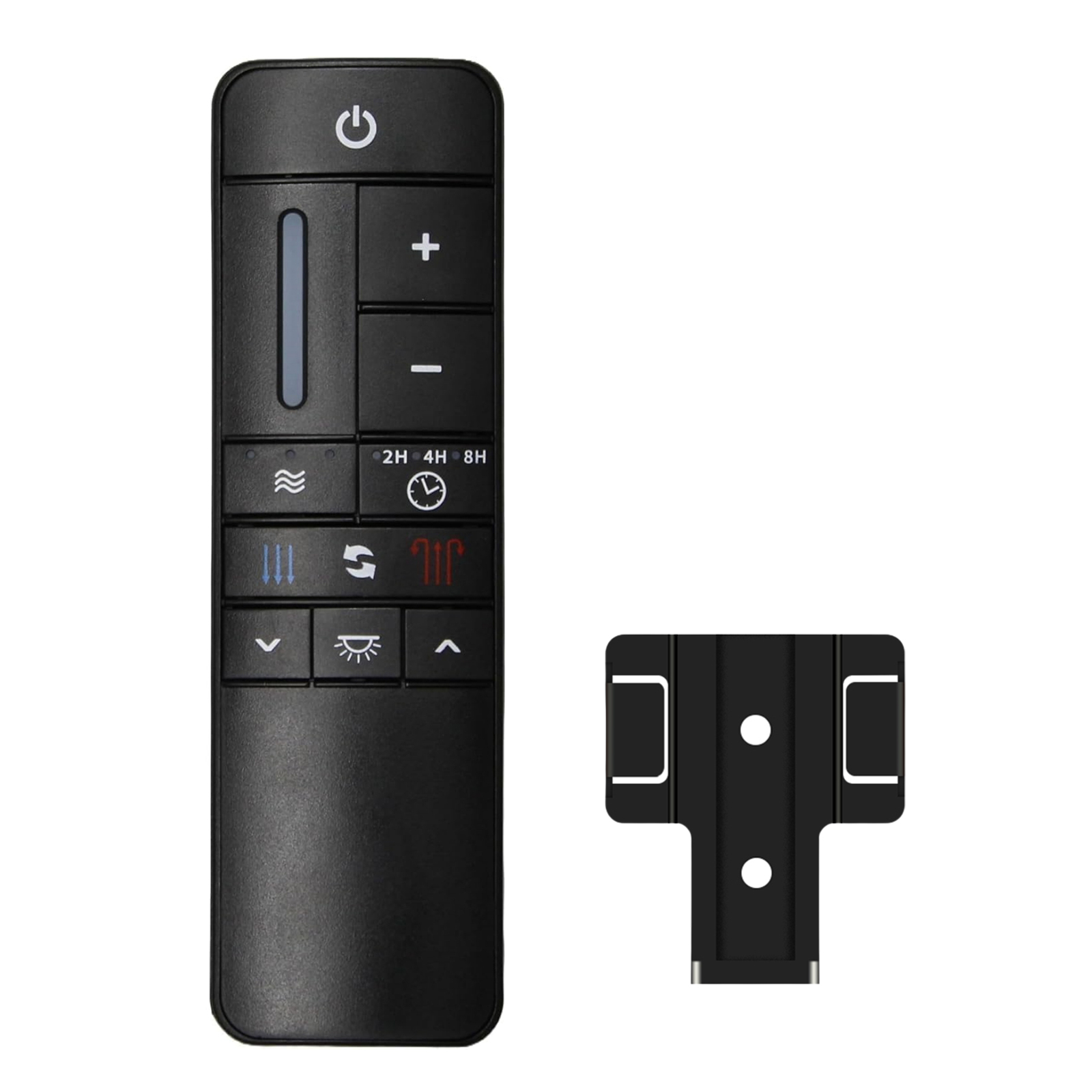
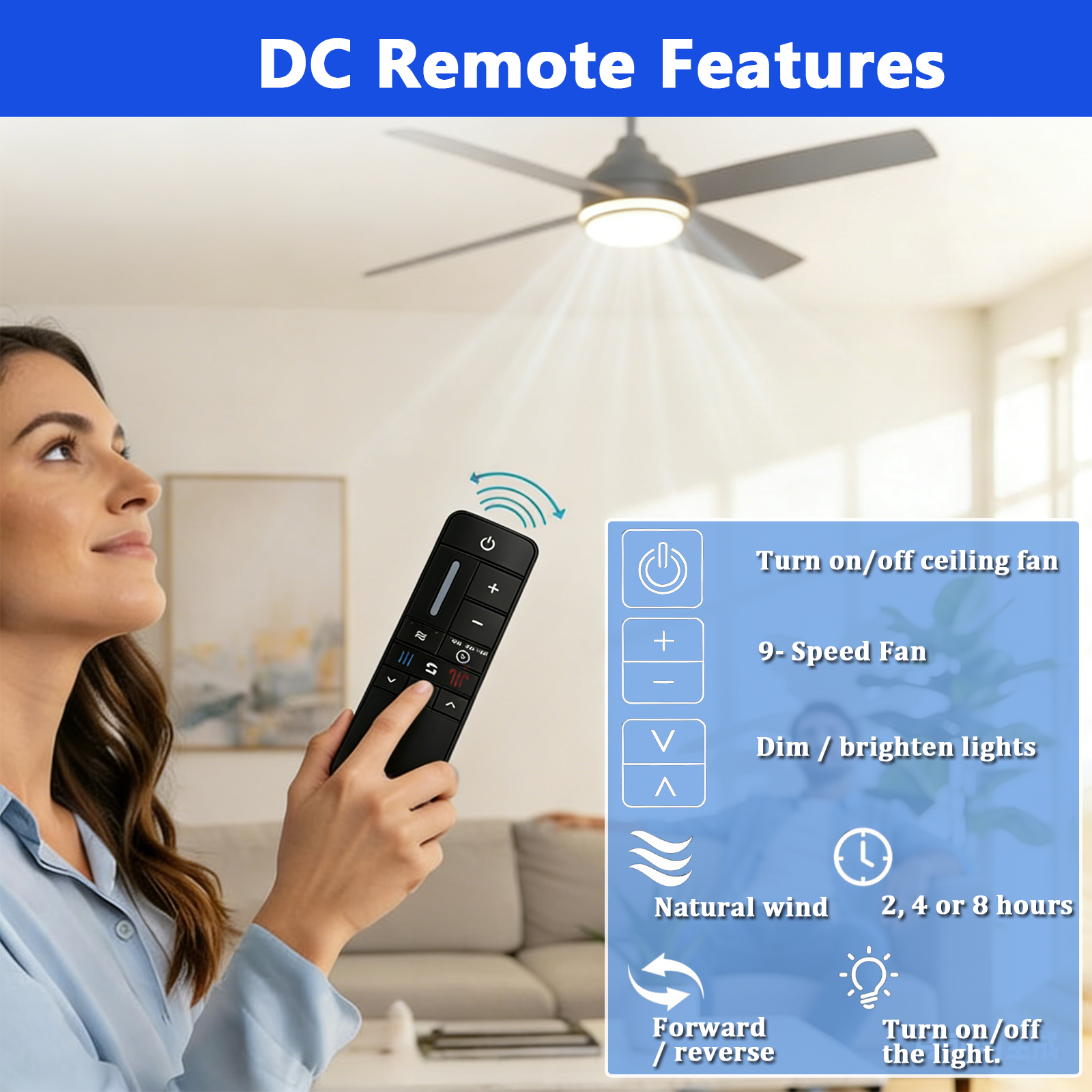
⚙️ Fan Speed
+ Increase Speed
• Press: Increase speed
• Hold: Auto speed adjustment
• Cancels Comfort Breeze™ mode
- Decrease Speed
• Press or hold to reduce fan speed
🌬️ Comfort Breeze™
• 3 speed settings available
• Press button to activate
• LED bar shows current setting
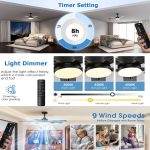
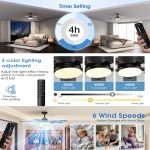
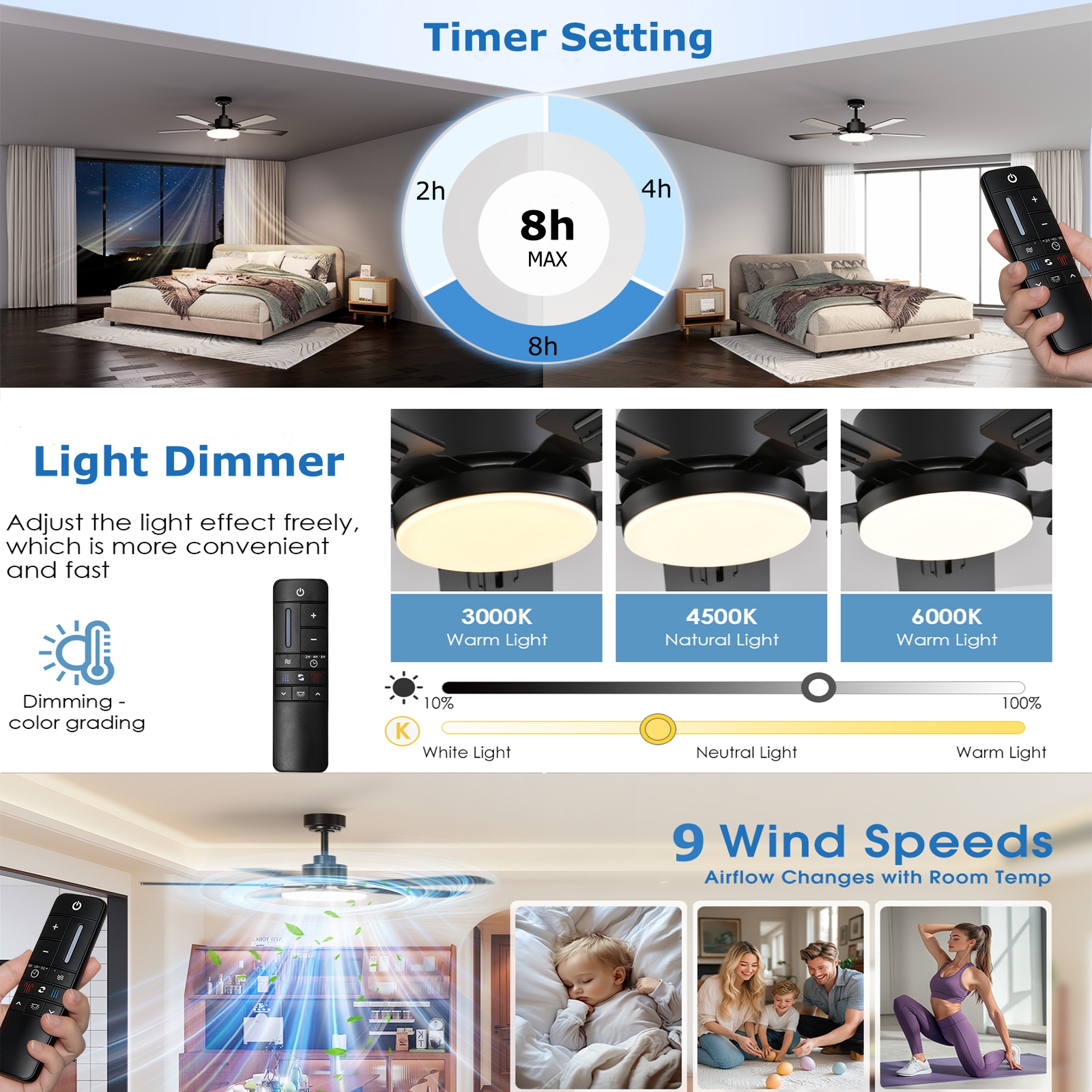
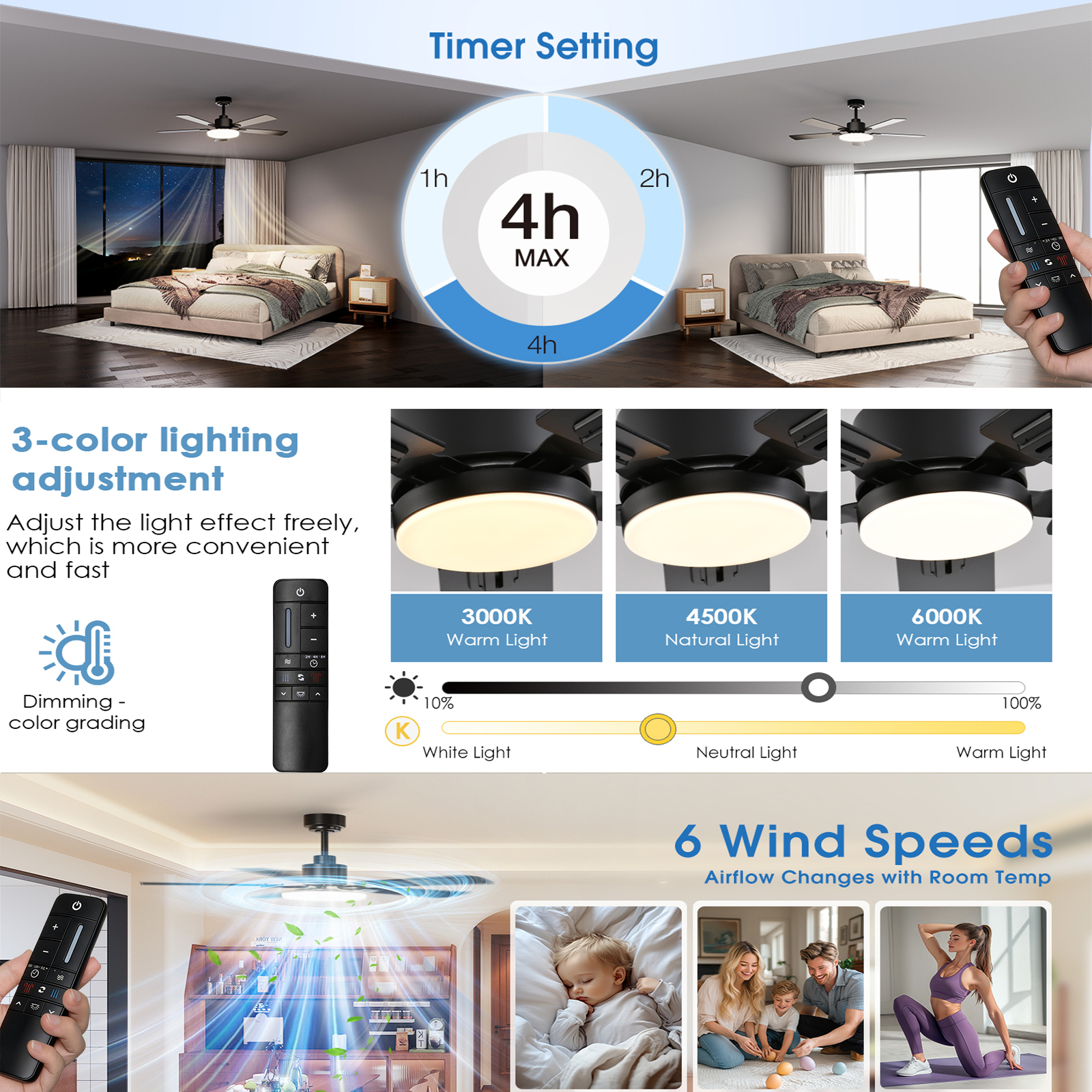
⏰ Timer
Auto OFF after:
2H / 4H / 8H
LED indicator lights when activated
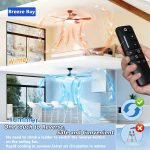
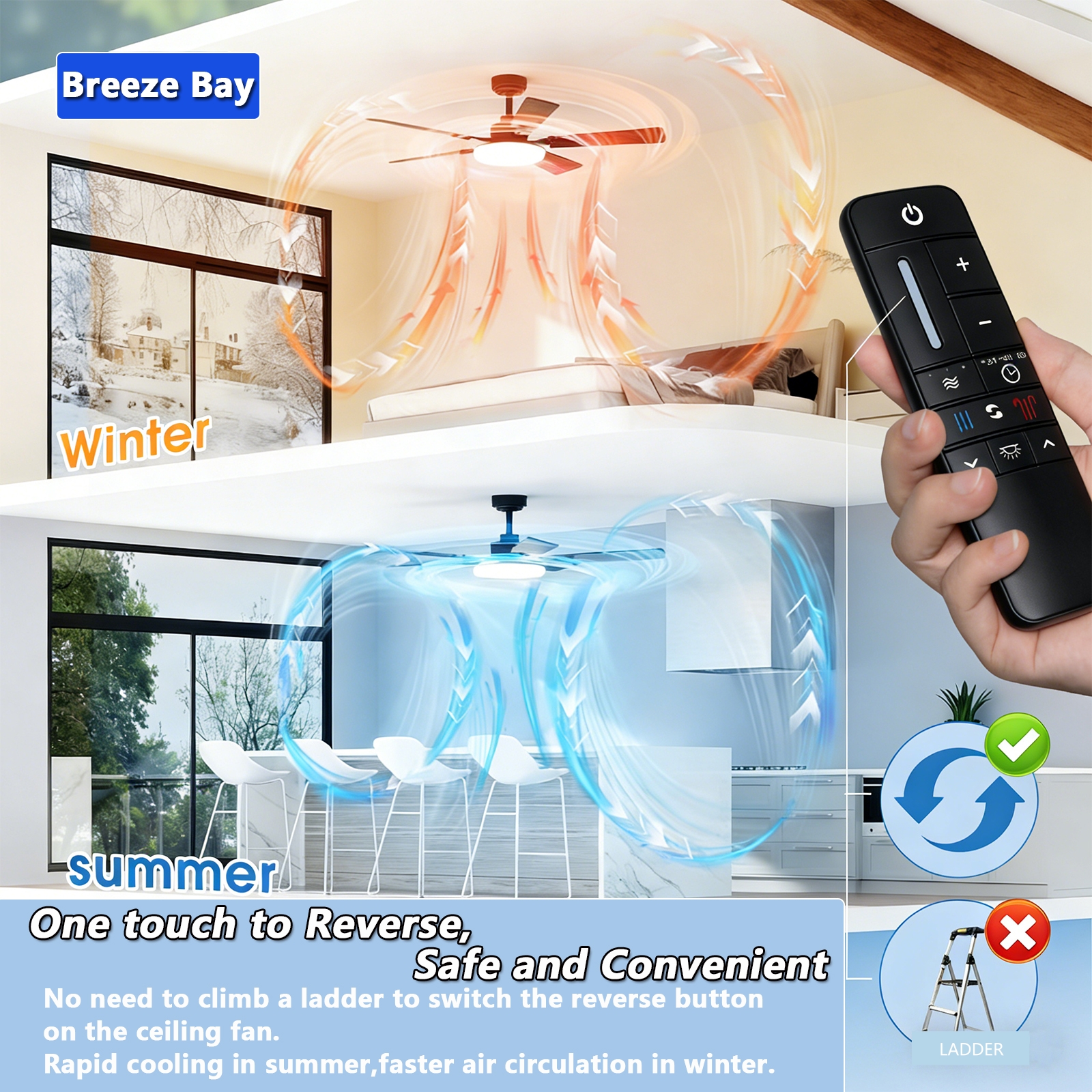
🔄 Fan Reverse
Press while fan is running
☀️ Warm Weather: High → Low airflow
❄️ Cool Weather: Low → High airflow
💡 Light Control
Light Button: ON / OFF
Memory Function: Restores previous light setting
🔆 Dimmer
↑ Increase brightness
↓ Decrease brightness
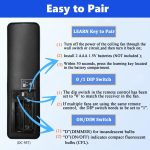
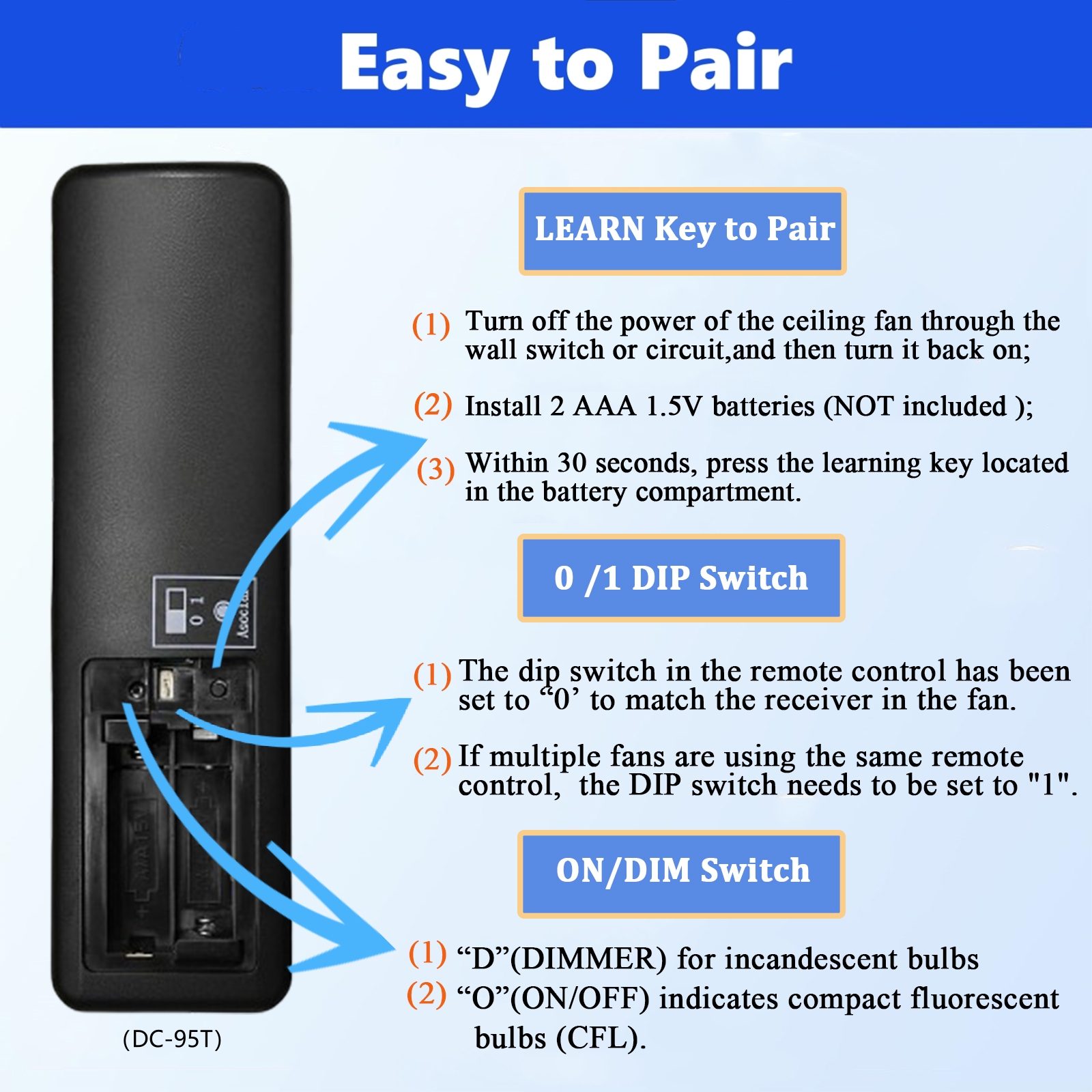
🔗 Remote Pairing
- Set battery switch to "1"
- Turn fan power OFF → ON
- Press "Learn" button within 30 seconds
- Successful pairing: Light flashes + fan starts
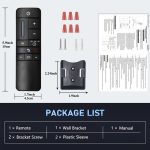
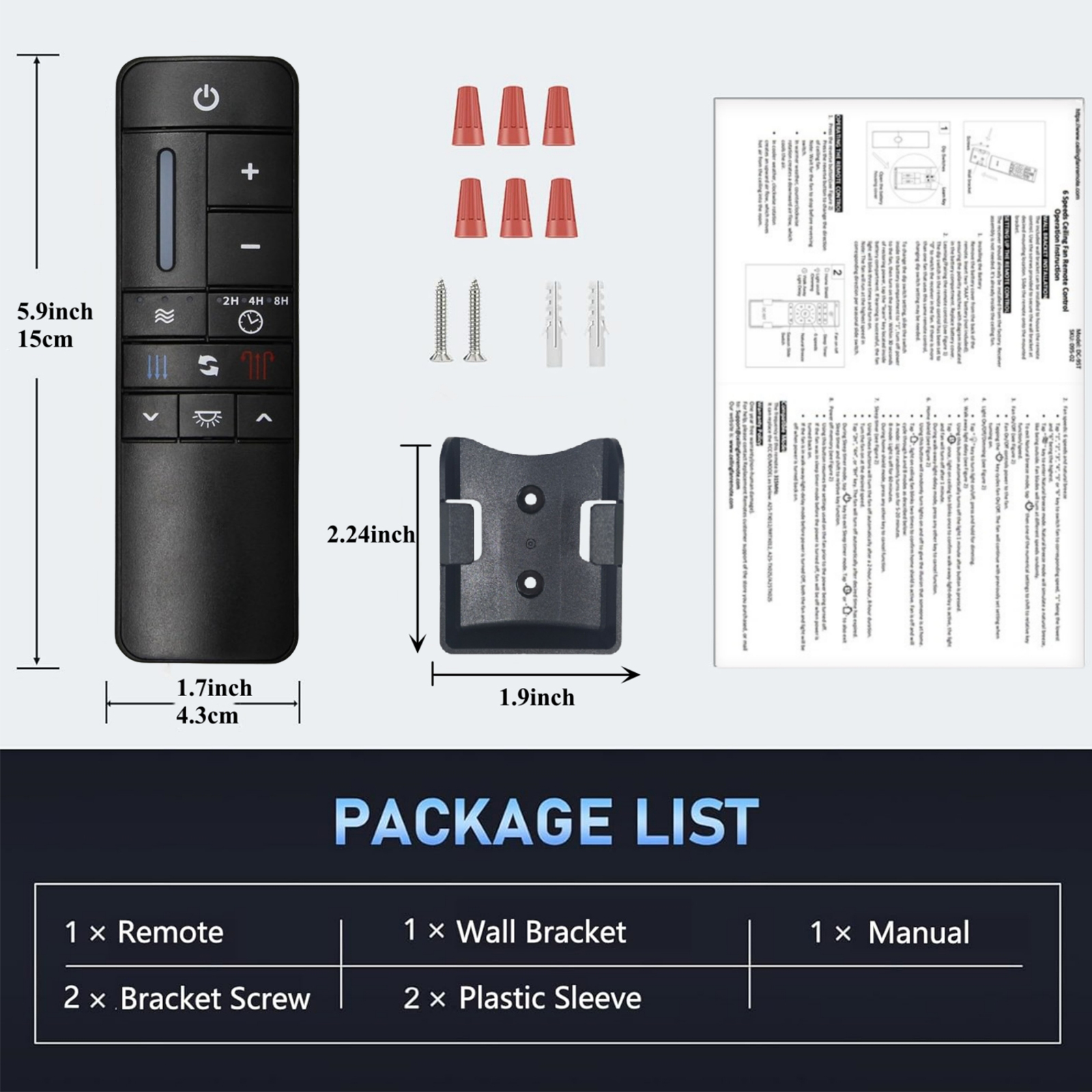
- Install 2× AAA batteries and replace cover
⚠️ Bulb Setting
• Dimmable bulb → Switch to "Dim"
• Non-dimmable bulb → Switch to "ON"