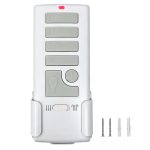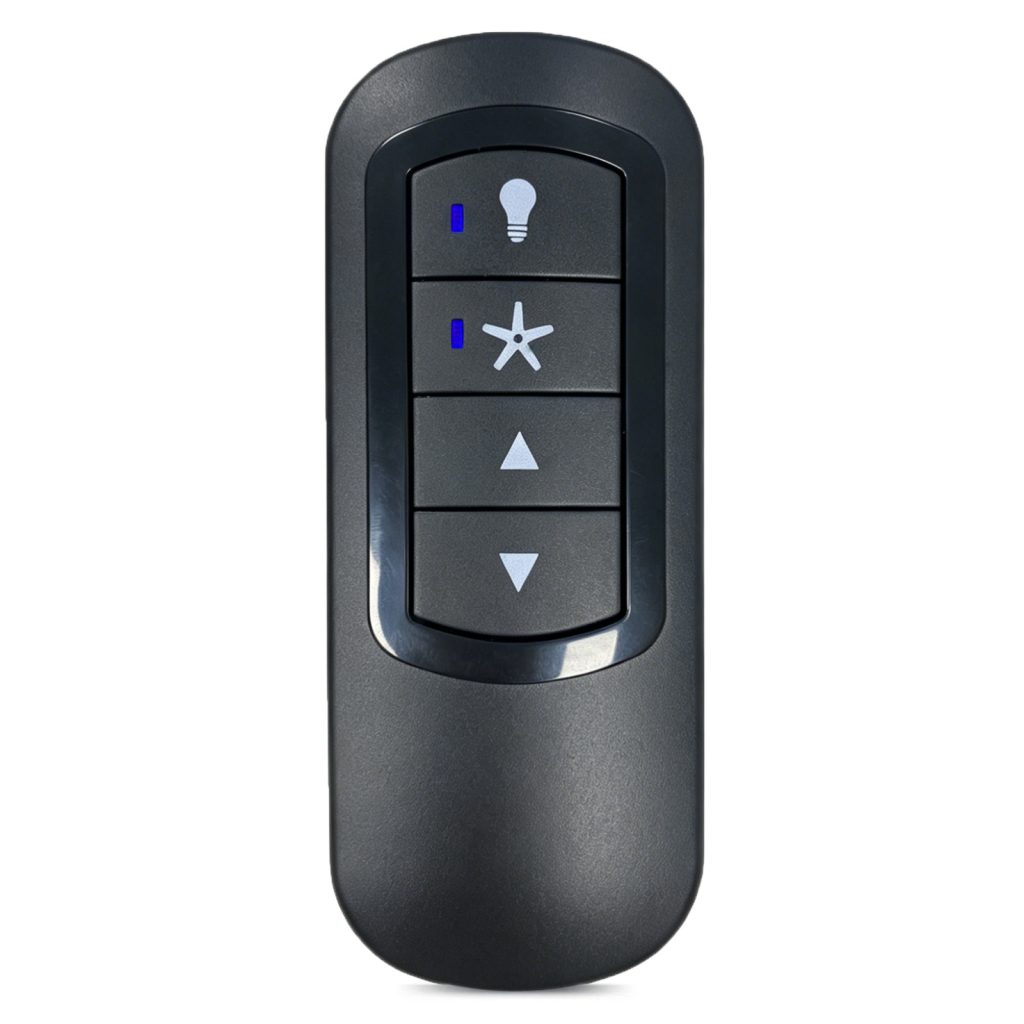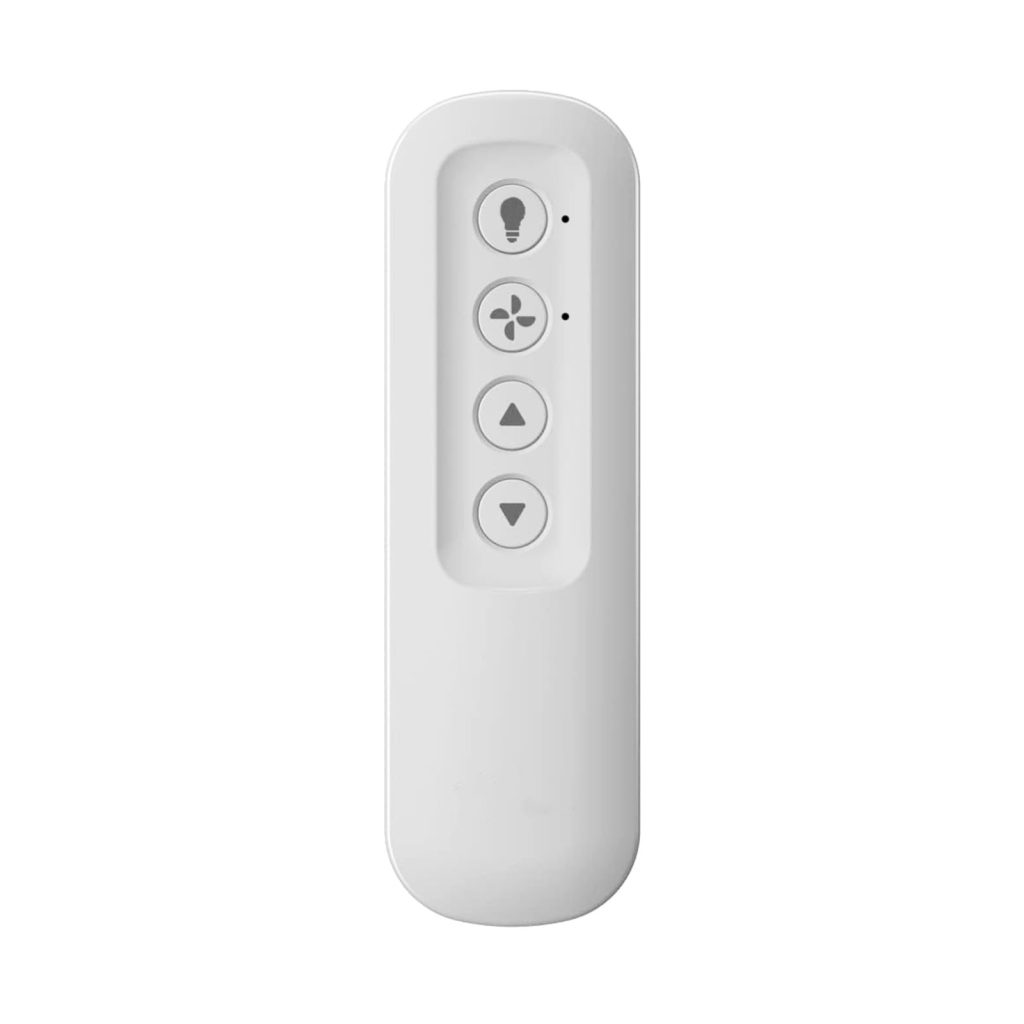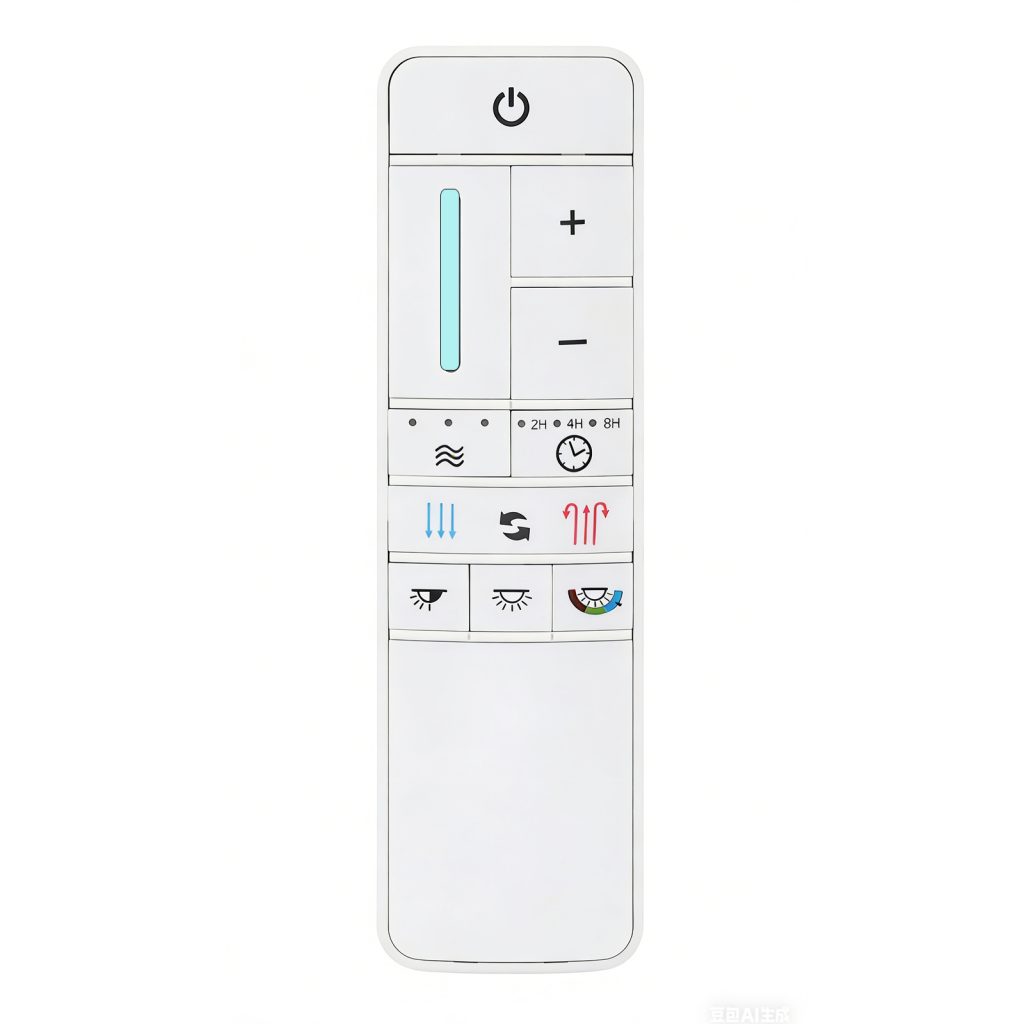
Replacement Harbor Breeze A25-TX015 Ceiling Fan Remote Control

Replacement Harbor Breeze A25-TX015 Ceiling Fan Remote Control

$36.99

097-02 User Guide

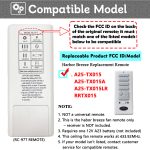
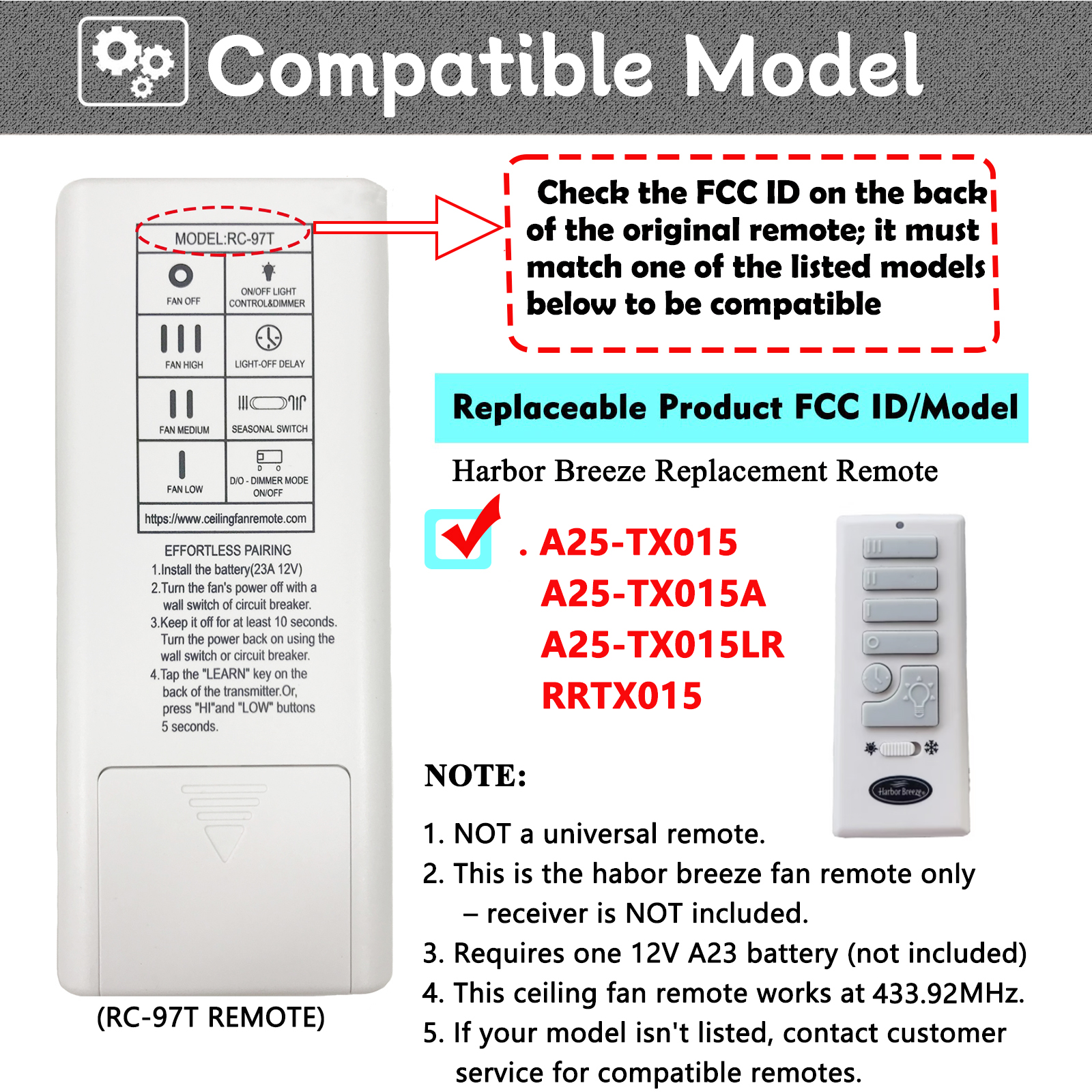
【 Verify Your Remote – Direct Replacement for A25-TX015 Only】Not all remotes are the same – this is a precision replacement designed exclusively for Harbor Breeze ceiling fans originally supplied with the A25-TX015 remote control. Before purchasing, please check the FCC ID or model number on the back of your original remote. If it reads A25-TX015 (or A25-TX015A), you’re looking at the perfect match.
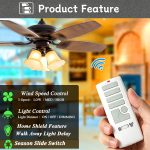
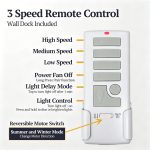
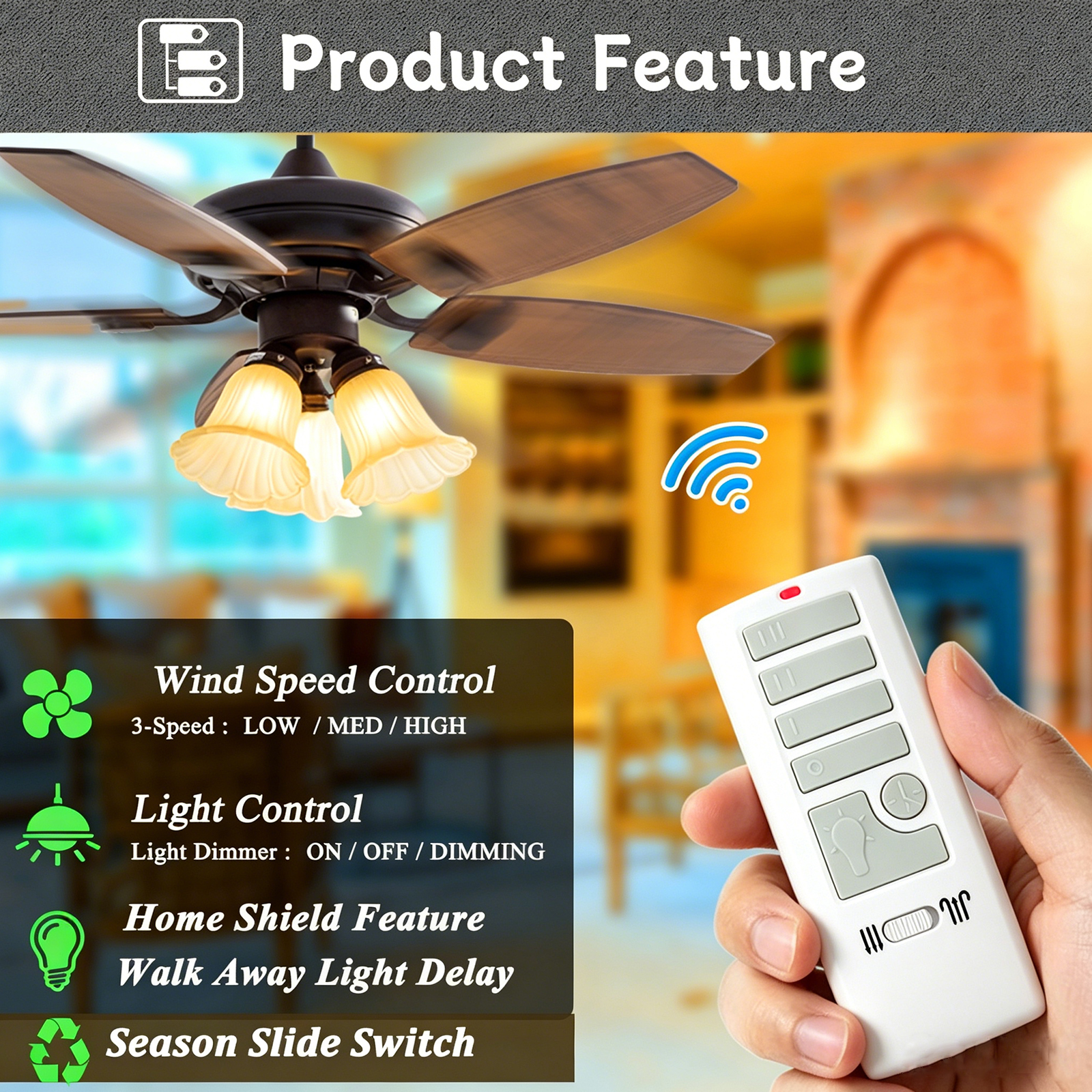
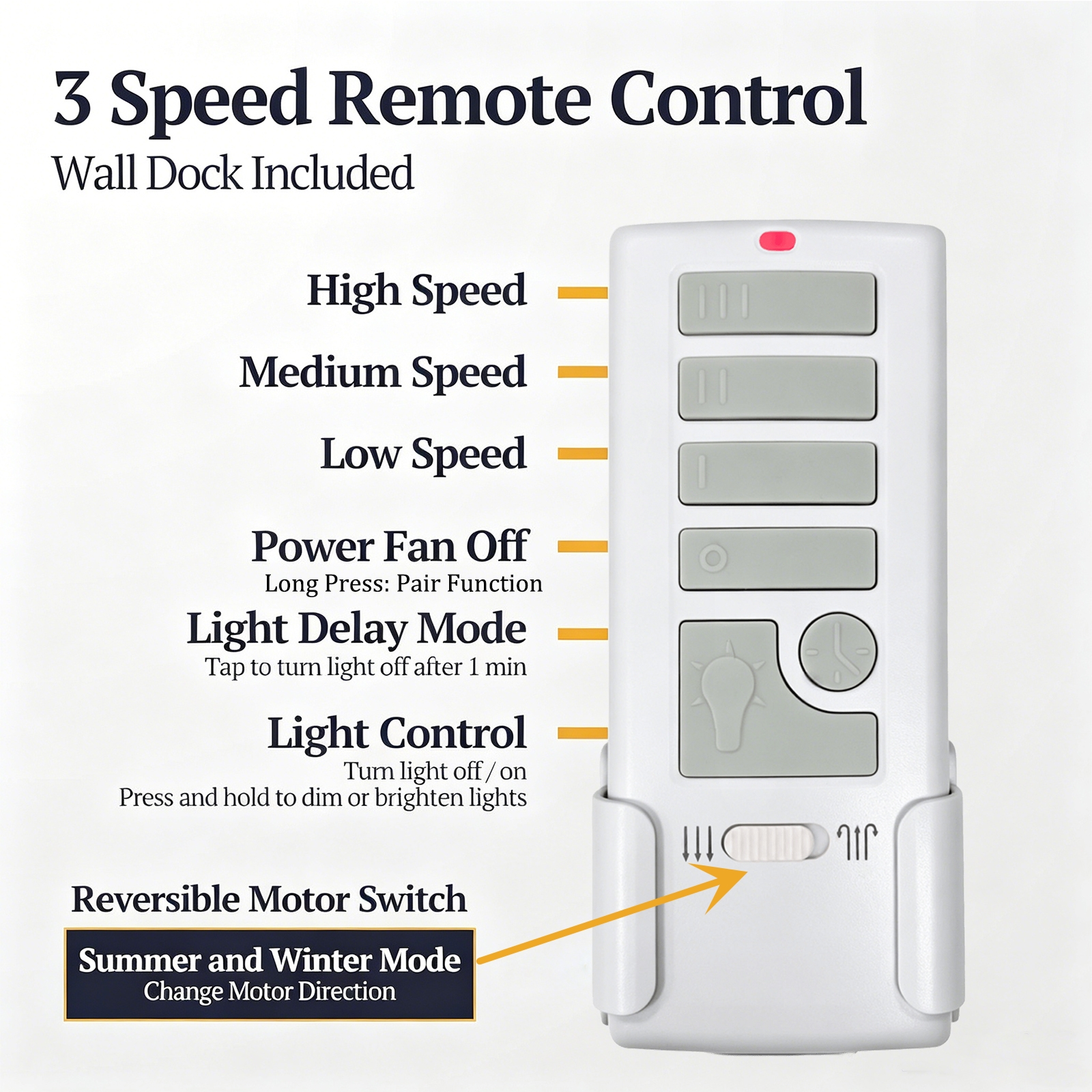
【Restore Full Command: 3 Fan Speeds, Dimmer, Reverse Function & Light Delay】This fan remote lets you: Adjust fan speed with 3 settings (High/Medium/Low) plus OFF – find your perfect airflow for any season.Smoothly dim your lights by pressing and holding the light button – create the perfect ambiance from bright task lighting to a soft, relaxing glow. Flip the season slider switch to reverse fan direction: counter‑clockwise for cooling downdraft in summer, clockwise to push warm ceiling air down in winter. Use the Light Delay‑Off – press once and the light stays on for a short time, then turns off automatically, safely illuminating your path as you leave the room.
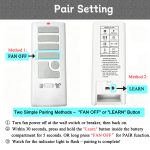
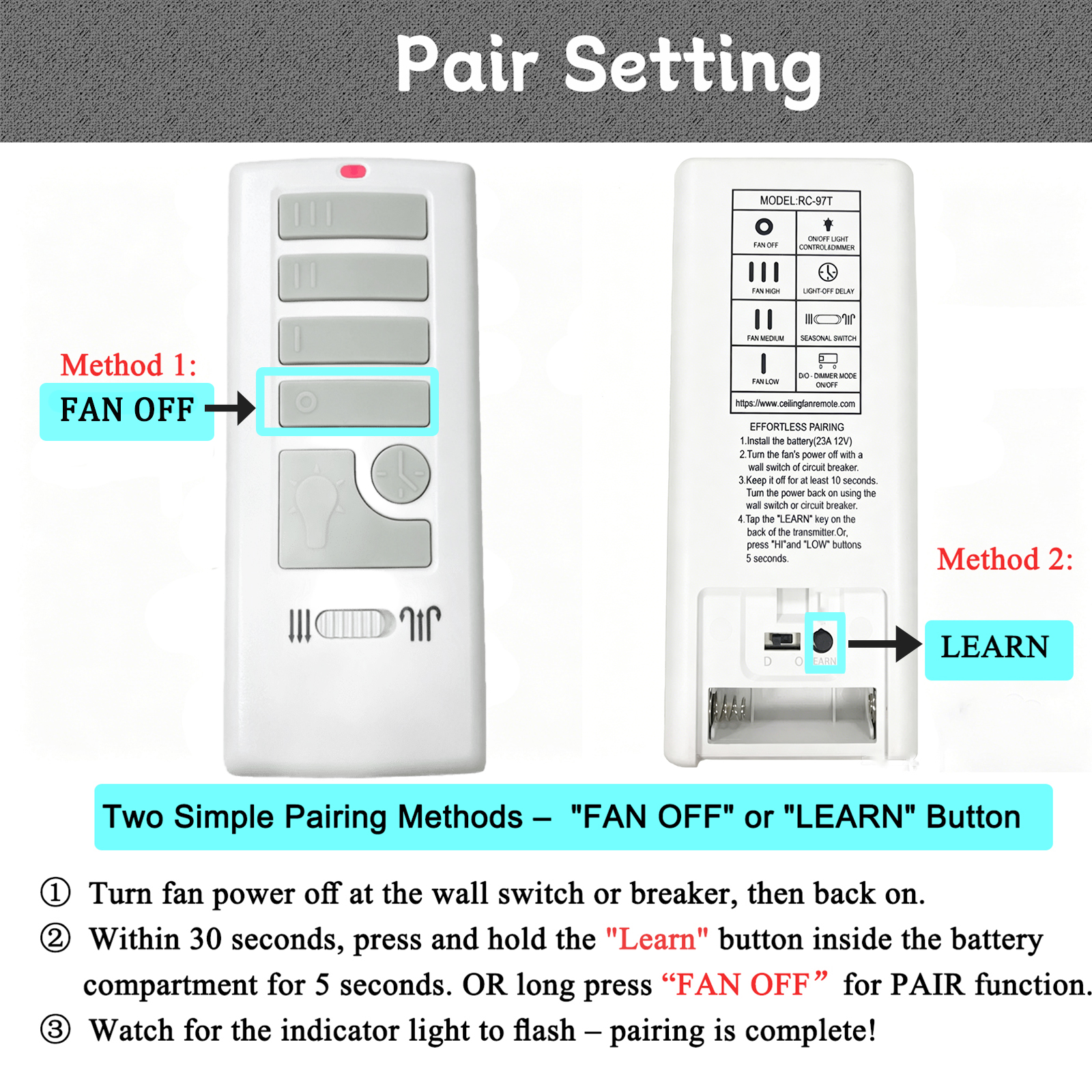
【Quick 30-Second Pairing – Two Ways to Program】 Worried about programming? Don’t be. Pairing is refreshingly simple:Turn off power to your fan at the wall switch or circuit breaker.Install one 12V A23 battery (not included) into the remote.Restore power, and within 30 seconds, press and hold the “HI” and “LOW” buttons for 5 seconds, or tap the “LEARN” key on the back of the remote.A confirmation – the fan will turn to LOW speed – tells you it’s done. No electrician, no tools, and no ladder required
【Smart DIP Switch for Perfect Light Compatibility – No Flickering】 Tired of lights that flicker when you try to dim them? This harbor breeze replacement remotehas a dedicated “D / CFL” switch on the back:For dimmable bulbs (dimmable LED or incandescent): slide to “D” – enjoy full, smooth dimming functionality.For non‑dimmable bulbs (CFL or standard LED): slide to “CFL” – this safely disables dimming to prevent flickering and protect your bulbs from damage.
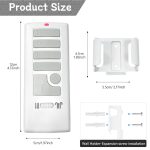
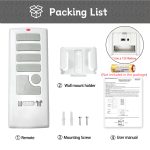
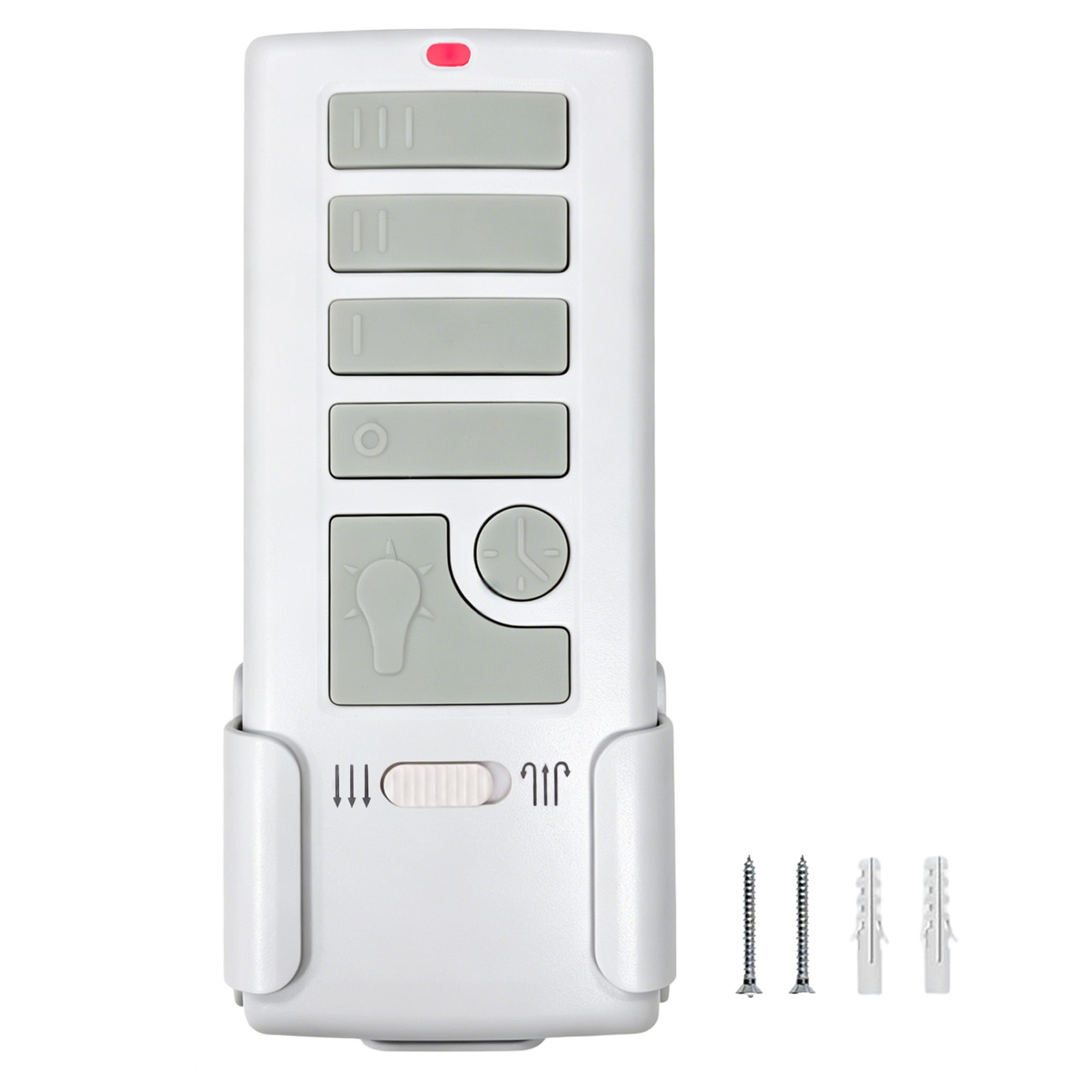
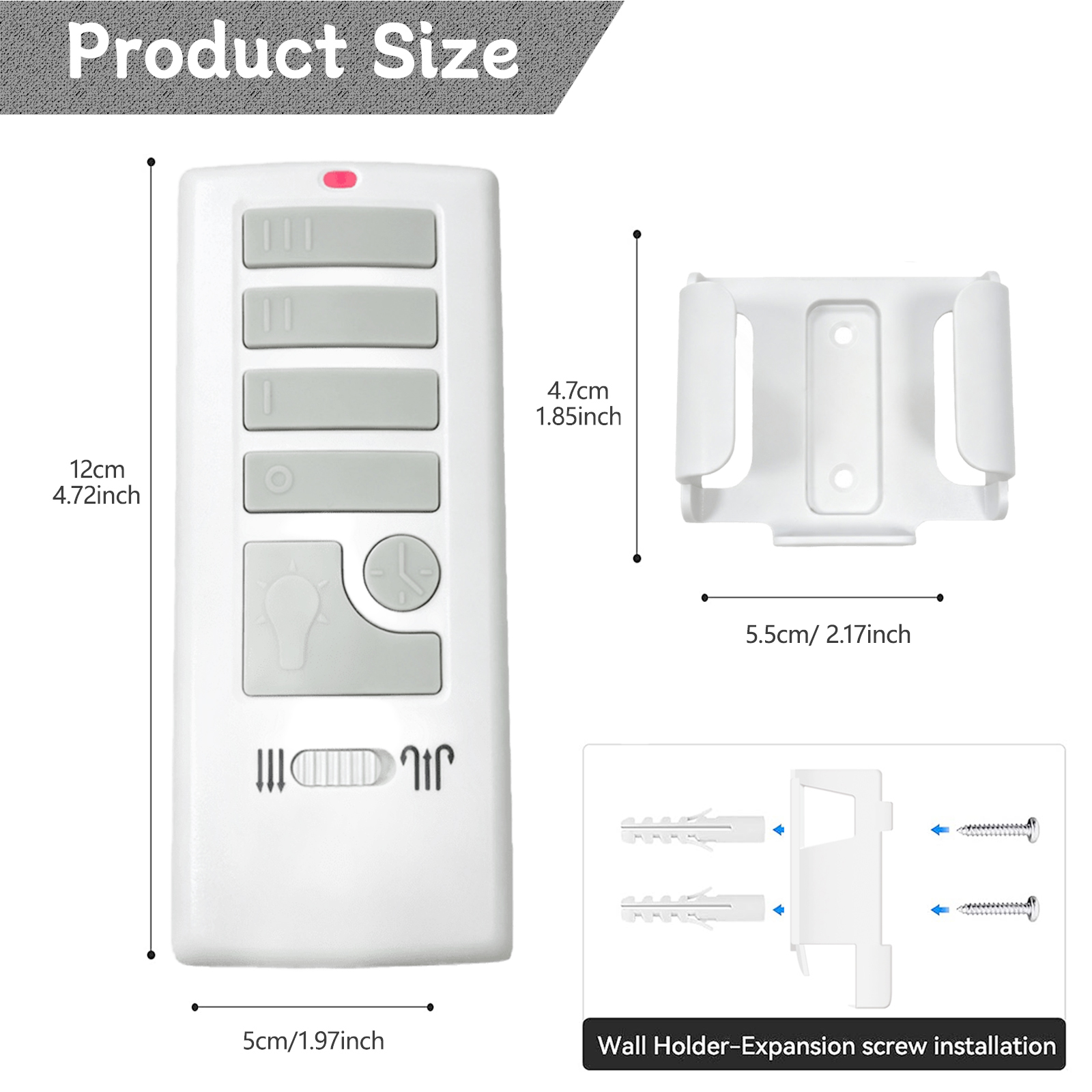
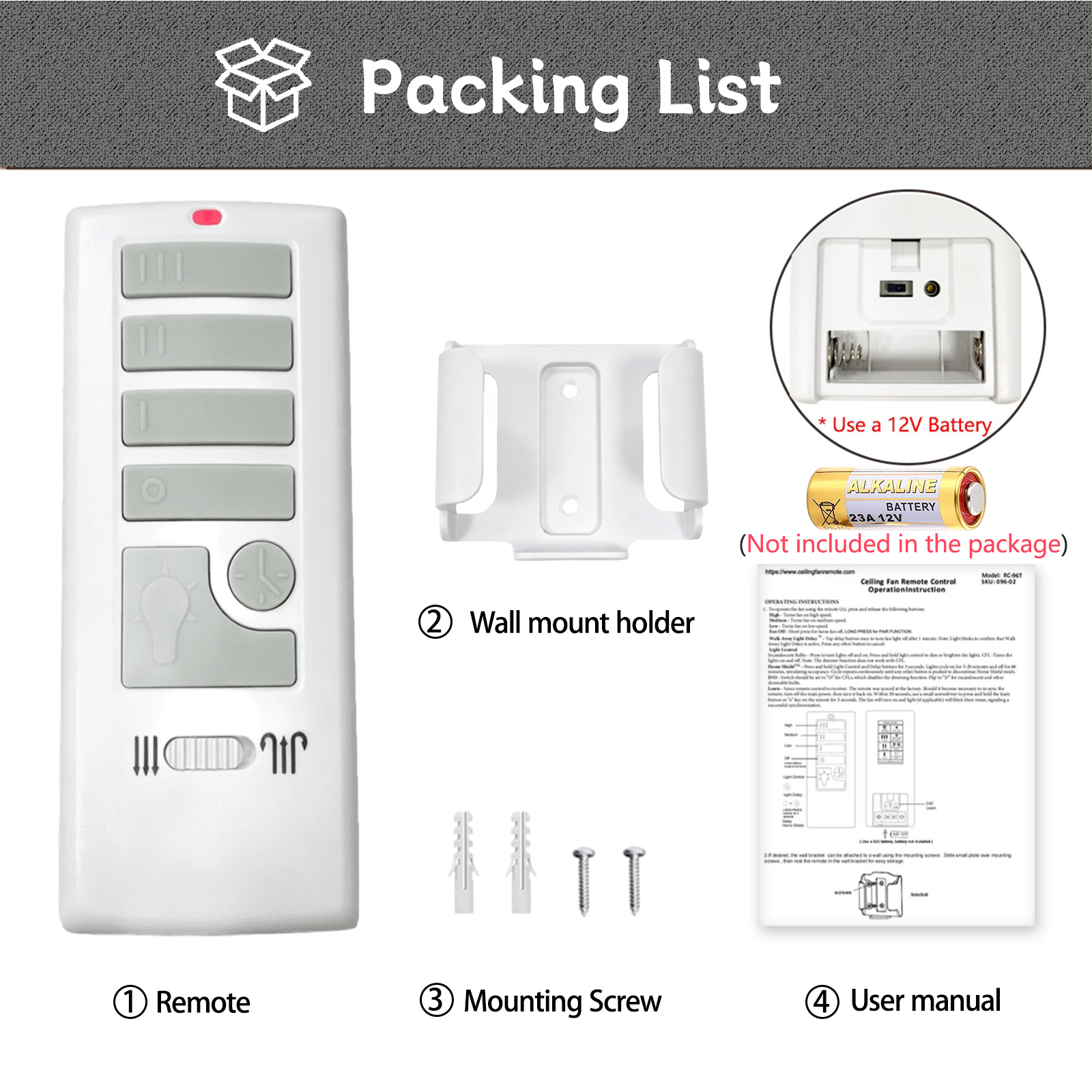
【Everything Included – Just Add a Battery】Your package comes complete with: 1x Remote Control, 1x Wall Mount Holder, 1x User Guide, and 2x Mounting Screws. Please note: This is the harbor breeze remote only – a receiver is NOT included (your fan must already have a compatible receiver installed). You will need one 12V A23 battery (not included) for power. Once you add the battery, you’re ready to restore wireless comfort to your Harbor Breeze fan in minutes.

SKU:097-02 Category:

  • Quantity:
    • -
    • +
Customized inquiry

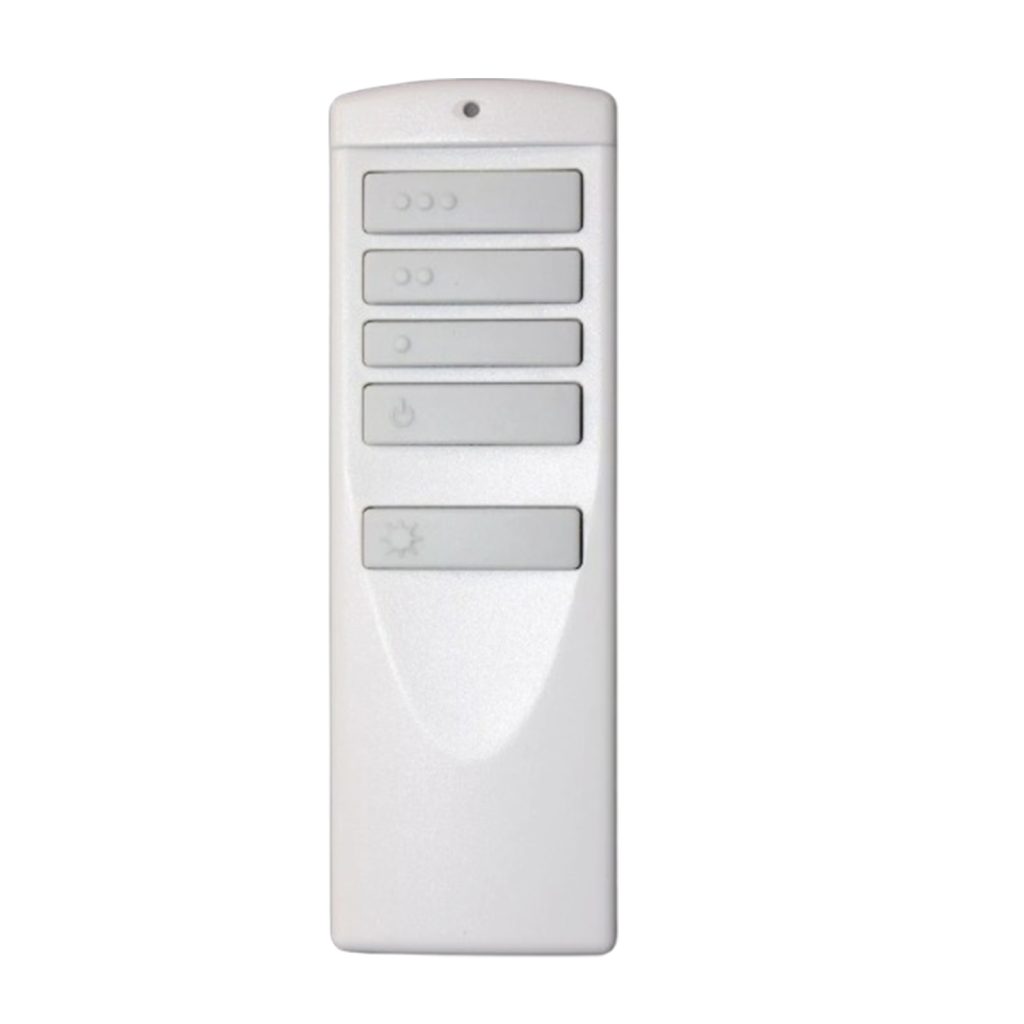
A25-TX015 Ceiling Fan Remote Replacement

Direct Replacement for Compatible Harbor Breeze Ceiling Fans

⭐ Direct Replacement

Designed as a replacement for compatible A25-TX015, A25-TX015A, and A25-TX015-LR remote systems.

🔍 Check Compatibility Before Ordering

Please check the model number or FCC ID on your original remote or compatible receiver before purchasing.

🌀 3-Speed Fan Control

Easily control High, Medium, Low, and Fan OFF for your preferred airflow.

💡 Light ON/OFF & Dimming

Press and hold the Light button to adjust brightness when using compatible dimmable bulbs.

🔄 Reverse Function

Use the season slider switch to change the fan direction for summer or winter use.

⏱ 30-Second Light Delay-Off

Activate the light delay-off function to keep the light on for approximately 30 seconds before turning off automatically.

🔧 Quick & Easy Pairing

Insert one 12V A23 battery (not included), restore power, then within 30 seconds, hold HI + LOW for 5 seconds and press the LEARN button.

💡 D / CFL Light Mode Switch

Select D for compatible dimmable LED or incandescent bulbs, or CFL for non-dimmable LED and CFL bulbs to disable dimming and help prevent flickering.

📡 Up to 60 ft Wireless Range

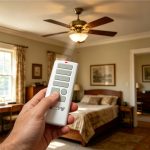
Conveniently control your compatible ceiling fan and light from around the room.

📦 Package Includes

1 × Remote Control   |  
1 × Wall Mount Holder   |  
1 × User Guide   |  
2 × Mounting Screws
Note: Compatible receiver and 12V A23 battery are not included.
Expand more!
Replacement Harbor Breeze A25-TX015 Ceiling Fan Remote ControlReplacement Harbor Breeze A25-TX015 Ceiling Fan Remote Control
$36.99
Buy Now

No products in the cart.